
Top 4 Screen Routers for Wi-Fi and SIM Data Plans
If you operate a screen network--retail media screens, kiosks, menu boards, or DOOH displays--you already know the hard truth: Screens don’t go dark because the screen “broke.” They usually go dark because internet access breaks somewhere in the chain.
That’s why choosing the right router matters. The router is the “traffic cop” that connects your screens to the internet and decides what happens when Wi-Fi drops, an ISP has an outage, or a location’s network changes.
This guide covers the top 4 routers commonly used for screen networks that need:
- Reliable connectivity at each location
- The ability to use Wi-Fi as the primary connection (when that’s what the site provides)
- A SIM/cellular backup when Wi-Fi fails
- Remote management, so you’re not driving to locations to reboot equipment
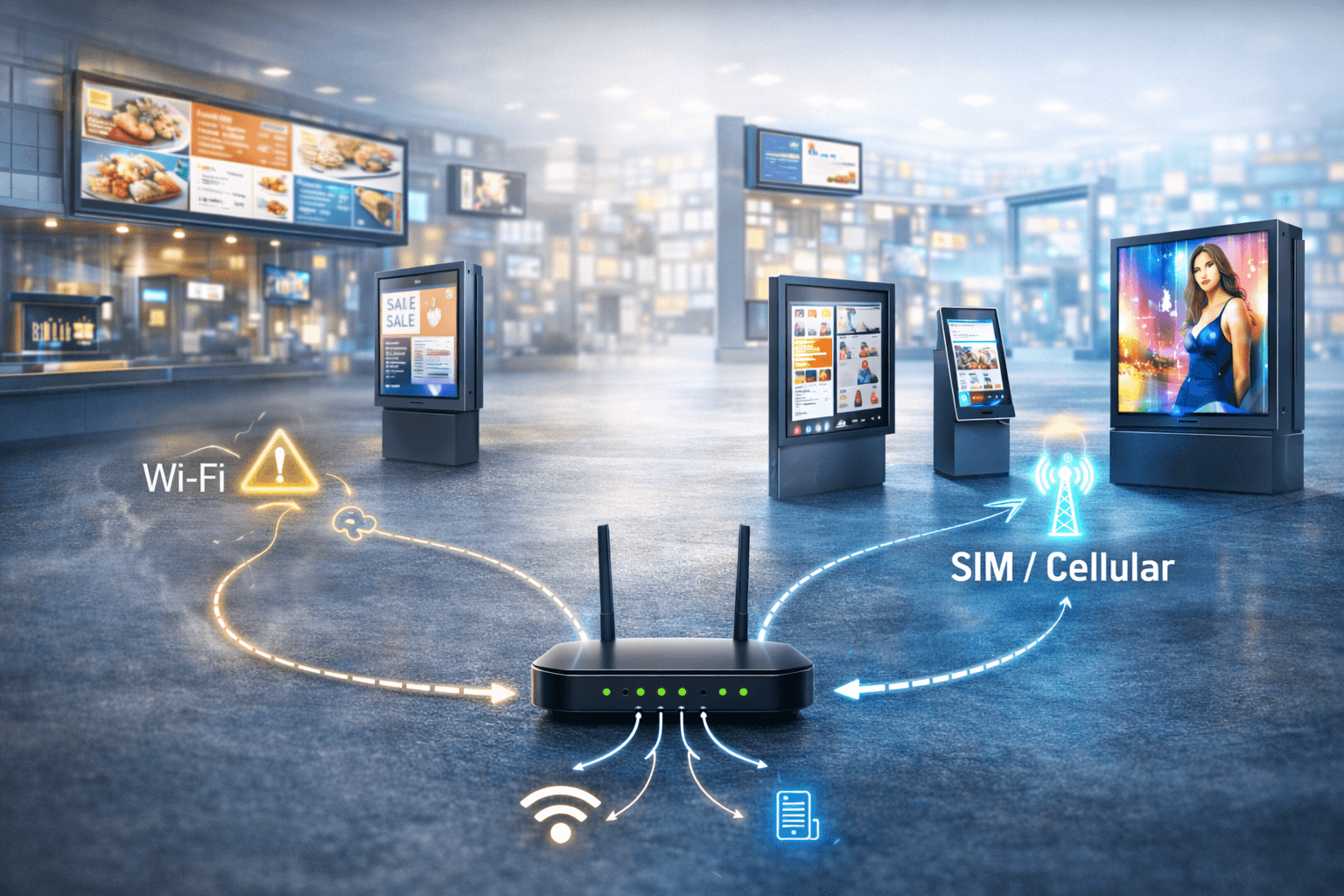
How “Wi-Fi + SIM failover” works (simple explanation)
Many screen locations run on-site Wi-Fi. That’s regular, as retail stores and venues already have it. The issue is that Wi-Fi is unpredictable:
- Routers reboot
- Passwords change
- Networks get overloaded
- The ISP has a local outage
Screen failover connectivity means you add a backup path, usually cellular (SIM data), so when Wi-Fi fails, your screens stay online. Think of it like this:
- Path A: Wi-Fi (primary)
- Path B: SIM/cellular (backup)
- Optional Path C: pooled SIM/cellular for predictable costs across many screens (more on this below)
A good router can switch automatically, without someone touching anything.
What to look for in a “screen router”
For 50+ screens, your router choice should be based on:
- Automatic Failover
Cradlepoint describes “seamless automatic cellular failover” and policies that shift traffic to LTE/5G when the primary WAN fails. - Remote management
You want to monitor and troubleshoot without site visits. The following routers will explain remote management. - Works in “Wi-Fi only” sites
Many locations won’t give you wired internet. The router needs to handle your reality, which is Wi-Fi primary with cellular backup. - The right SIM strategy
Failover SIM: small usage most of the time, used only when Wi-Fi fails
Primary cellular or pooled SIM: used regularly, especially when Wi-Fi is unreliable or inconsistent
The Top 4 Routers for Screen Networks (Wi-Fi + SIM)
1) Cradlepoint (Ericsson) — Best for “many sites, always-on expectations.”
Cradlepoint is widely positioned for businesses that need reliable uptime and managed connectivity across locations. They explicitly describe cellular as a diverse backup path and support automatic failover to LTE/5G.
Why it’s great for screen networks
- Strong “keep the site online” positioning with cellular failover
- Clear documentation around failover events and behavior (helpful for ops teams)
- Designed for managed deployments (good when you’re scaling)
Best use case
- 50+ screens across multiple locations where you want a standardized setup.
Reality check
- Cradlepoint deployments often involve platform/subscription components (management + support model). Great for control, but budget accordingly.
2) Peplink — Best flexibility for mixed environments (Wi-Fi, wired, cellular)
Peplink is known for its connectivity resilience features, and it offers cloud management via InControl 2.
They also promote SpeedFusion capabilities like hot failover/WAN smoothing/bonding (feature availability varies by model and configuration). 5Gstore.com
Why it’s great for screen networks
- Strong multi-WAN mindset (use whatever’s available and keep traffic flowing)
- Cloud management option (InControl 2) for multi-site visibility
- Broad model lineup, which is good when some sites are simple, and some are complex
Best use case
- Networks that have a mix of:
- Wi-Fi is primary in some locations
- Wired broadband in others
- Cellular failover everywhere
Reality check
Peplink offers many models; performance and features vary by model. Pick models that match your bandwidth + number of screens per location.
3) Teltonika — Best “value + industrial reliability.”
Teltonika’s RUTX50 product page explicitly states dual-SIM support with auto-failover and includes remote management options, such as RMS.
Why it’s great for screen networks
- Dual SIM auto-failover is explicitly called out (helpful for carrier redundancy)
- Remote management (RMS) is part of their ecosystem
- Often chosen when you need rugged, consistent performance without enterprise pricing
Best use case
Screen networks are scaling quickly, and they want reliable failover without blowing budgets.
Reality check
Choose the right model for your throughput needs (4G vs 5G, antenna requirements, etc.). Teltonika has a broad portfolio.
4) Semtech AirLink (Sierra Wireless) — Best for “always-on + managed support”
Semtech AirLink highlights ALMS for remote monitoring/configuration and bundles support/warranty under “AirLink Complete” for specific products.
Some AirLink training material references automated SIM failover support (implementation varies by model/OS version).
Why it’s great for screen networks
- Strong remote management story (ALMS)
- Designed for deployments where uptime matters and remote visibility is critical
Best use case
- Outdoor screens, kiosk networks, or any deployment that requires robust hardware plus managed support options.
Reality check
- AirLink product families vary widely. Confirm the exact model supports the SIM/failover behavior you want.
“Wi-Fi only locations” with SIM backup vs pooled SIM options
Here’s the simplest way to think about it:
Option 1: Wi-Fi primary + SIM failover (insurance mode)
- Most bandwidth stays on Wi-Fi
- Cellular is only used when Wi-Fi fails
- Best for stable retail Wi-Fi sites where outages are occasional
Option 2: Primary cellular (or pooled cellular) + Wi-Fi as a helper
- Used when Wi-Fi is unreliable, inconsistent, or “owned” by someone else
- Pooled usage helps when some locations use more data than others
- Best for networks that can’t afford downtime or can’t control Wi-Fi environments
Either way, your router is what makes this smooth. Without a capable router, “failover” becomes a manual process, aka downtime.
Final takeaway
If your screens generate revenue (ads) or carry operational importance (menus, pricing, wayfinding), your connectivity setup has to be resilient.
The right router gives you:
- Automatic switching when Wi-Fi fails
- Remote visibility (so you don’t drive to reboot devices)
- A clean path to scale beyond 50 screens
That’s the core purpose of screen failover connectivity: keeping screens online even when the internet at a location isn’t behaving. If you are interested in CyberCentra's data and hardware solutions, click here.